Send gifts to friends!
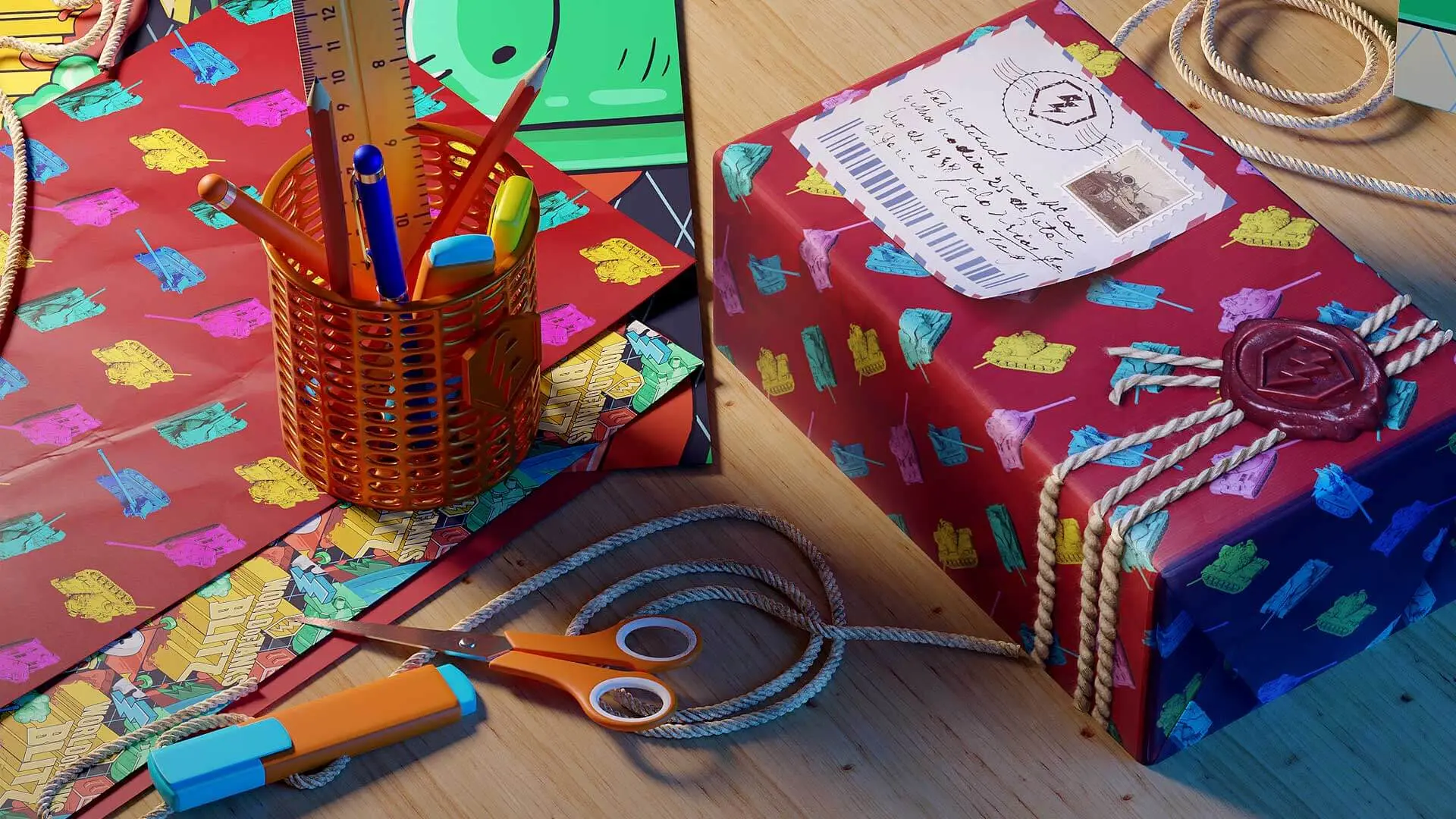
Step in the shoes of a good wizard! The Holiday Season is round the corner, and from now on, you can send gifts at all times!
On the banners of some bundles, you will see this icon:  . It means that the bundle can be gifted to another tanker, if they're on your Friends list. The recipient will see a greeting screen with a card and will be able to open the gift.
Time to send gifts and greetings! 🎁
How to send a gift?
- Select a bundle marked with an icon.
- Tap Gift.
- Select a recipient from the list displayed on the right.
- Once the gift is sent, you'll see a notification at the top of the screen.
- You’ll get another notification when the recipient receives the gift and opens it.
Which platforms will gifts be available on?
Gifts can be sent in the game client downloaded from Google Play, App Store, or Steam. Players can receive gifts on any platform.
Can the recipient decline a gift?
There's no such option at the moment. The recipient can open a gift immediately or later in their Storage. An unopened gift will unwrap itself in 45 days.
Why can't I see any marked bundles in the Store?
Not everyone can send gifts. Unfortunately, we cannot disclose the criteria for gift availability to prevent unscrupulous players from potential scams.