Ultra Test 2: Release Notes
Earlier this year, we announced a large-scale test of the Reforged Update: with enhanced visuals, improved physics, rethought vehicle research, and new features.
Thank you for participating in that test and for the extensive feedback you provided. It was that feedback that fueled this next rework of the test client. Over these months, we've rebalanced game mechanics, fixed a lot of bugs, and added new features and screens. What are the changes? We've improved the battle UI and brought back national voiceovers and Tech Trees. The next Ultra Test will see vehicles go three levels up: your Tier 10 tanks will remain Tier 10.
Although the results of our work are not yet final, we're ready to share them with you in this new version. Join the test and tell us what you think!
All the key differences between Ultra Test 1 and 2 are revealed in this video and this article.
What Is the Reforged Update?
A major update of World of Tanks Blitz. The game will switch to the Unreal Engine™ and get visual and technical improvements. Key systems like progression, vehicle research, and the economy are also being refreshed. Right now, we're in the early testing phase and gathering feedback from players. Our goal is to bring the game up to date while preserving the iconic Blitz look and feel.
New Screens and Refreshed Interface
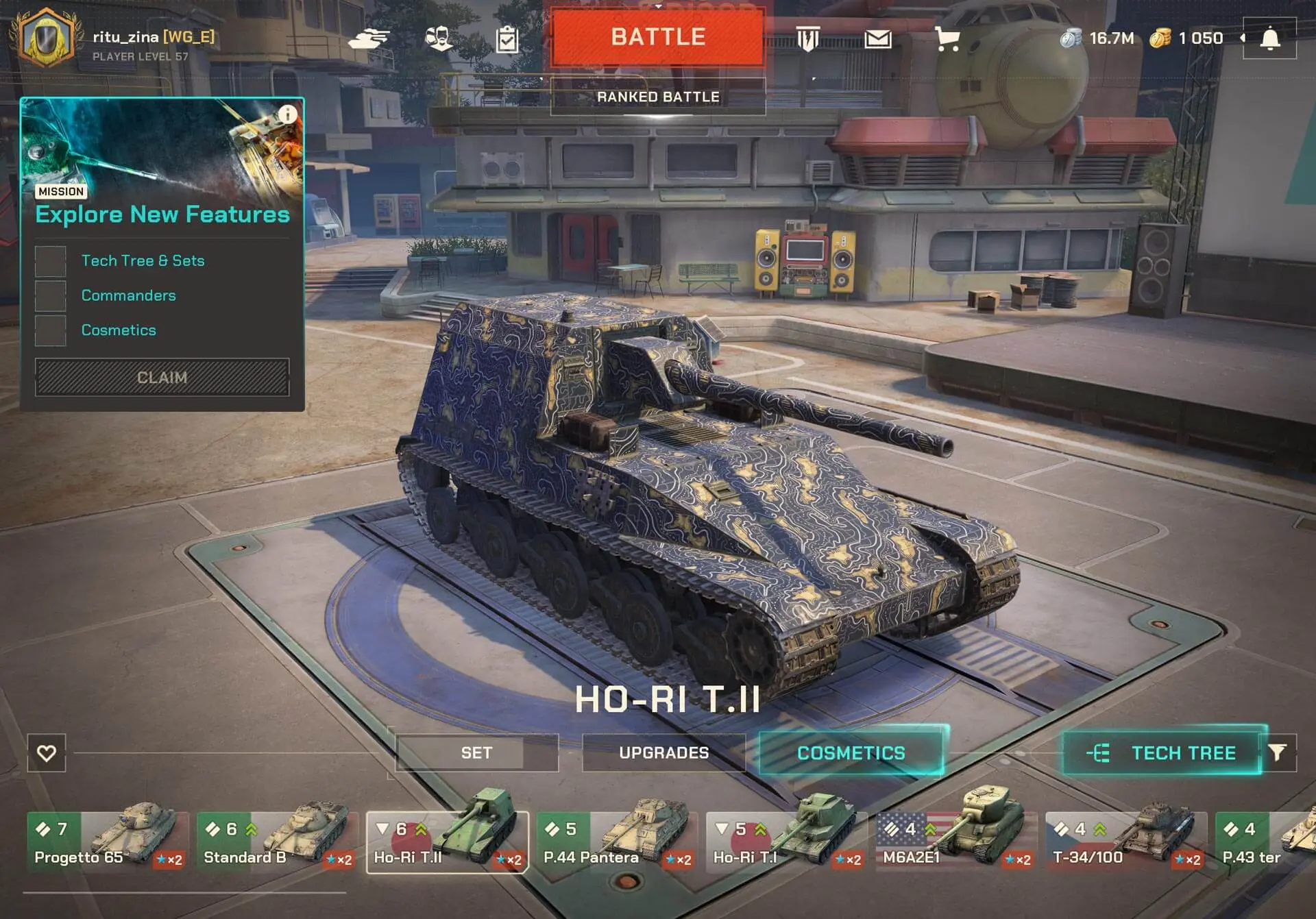
- The Return of Tech Trees. They now look a bit different, as tanks are grouped into Sets. You can view research chains and show or hide Premium vehicles.
- We've introduced an "All Tanks" screen where you can explore every tank in the game, including the rarest ones.
- You have several options on how to display the tank carousel in your Base (previously Garage): a classic one, Set-based, etc. Choose the one that suits you best!
- More User-Friendly Interface —you can navigate from Sets straight to a tank in the carousel (if you have it).
- Search and filters are available throughout the game —in the Base, in Tech Trees, on the "All Tanks" screen, and in the Set menu. We've tried to make it easy for you to find the right tank at any given moment.
Sets
- Set Composition Revised: We've addressed the Sets that players have commented on the most. A lot of tanks have been moved to Sets with more fitting gameplay.
- Faster progressing through tanks in Sets: We've rethought how much XP is required for progress.
- Fair Progress Transfer: Researched tanks that haven't been purchased before the Reforged Update is released will automatically add XP to their corresponding Sets to level them up. However, you'll still have to unlock the Set. Purchased tanks will unlock their Sets automatically.
- Sets with Premium and Collector Tanks (without researched vehicles) do not require Keys to be unlocked.
In-Battle Improvements
- Visuals have become clearer: We’ve checked the gfx settings and significantly reduced the blur effect.
- We're still working on fixing the FPS drops. In fact, several important fixes are already in place to stabilize the frame rate.
- Transferred accounts now have the classic enemy armor highlighting enabled by default (red means penetration is impossible).
- Familiar colors are back in the battle interface: Green for allies, red for enemies.
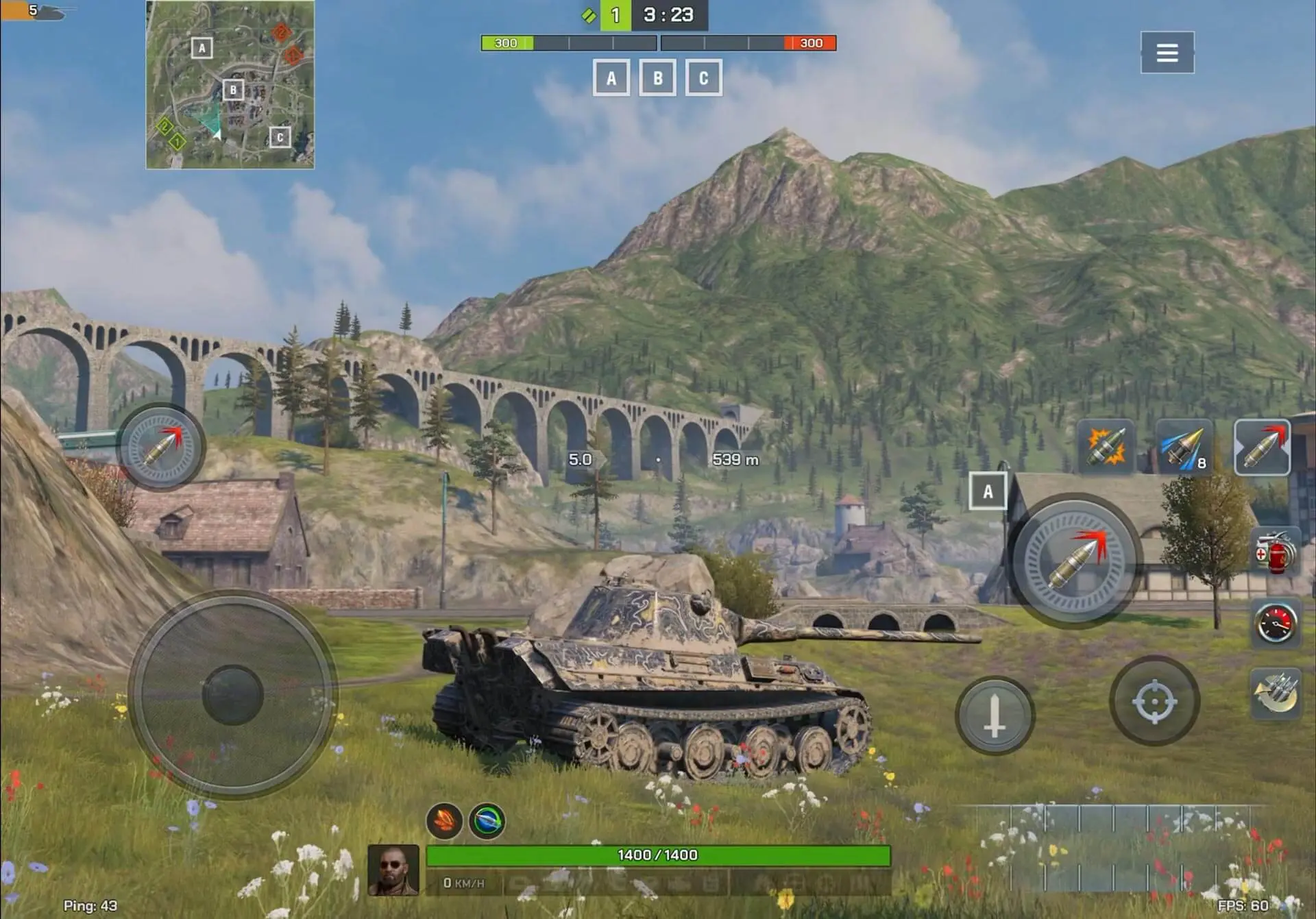
- Vehicles travel faster. During Ultra Test 1, vehicles moved slower than usual, including while turning. The tanks now move as they did before.
- We've improved aiming and camera responsiveness for touch devices: The response to finger movements is now smoother and more precise.
- We've fine-tuned the Quick Commands wheel for better coordination in battle.
- You can now roll into battle as a platoon.
- Watch replays of your highlights. You can both fast forward and rewind your replays!
- Training Rooms have been upgraded too: We've refreshed the main screen, fixed general bugs, and introduced the Spectator Mode.
Account Transfer and The Transfer Hub Event
- The welcome screen with your transferred properties is now visually clearer. Your stats, achievements, resources, vehicles, and customizations are now all gathered in one place.
- Onboarding will help you get around the new features more easily. Follow the tips on the main screen and explore Sets, Tech Trees, the Commanders screen, and customization settings.
- We've reviewed the Transfer Hub event's balance and updated the rewards.
- Commander Coins have been removed from the game. Crew XP is now converted into Commander XP. You'll be able to use it to boost Commanders, or on the Transfer Hub event screen.
- Consumables and Premium shells will be transferred to the Reforged Update in full, or in rare cases compensated in Silver.
Customization
- We've reintroduced vehicle customization! All camos have been transferred to the test build and will be available via the new Styles system.
- By default, all tanks come with a default Style. Some Sets come with two Styles—for researched and Premium/Collector tanks. If all tanks in the Set are not customizable, the default Style will not be applied.
- Most Styles have Skins —or alternative warpaints featuring different colors or details.
- Other customizations (profile backgrounds, attachments, Garage Gear, camo certificates) will also be transferred in full. You'll find them in your Profile menu and Storage.
- We've updated the interface of the Customization Settings screen and improved the sorting of Styles in the carousel.
Commanders
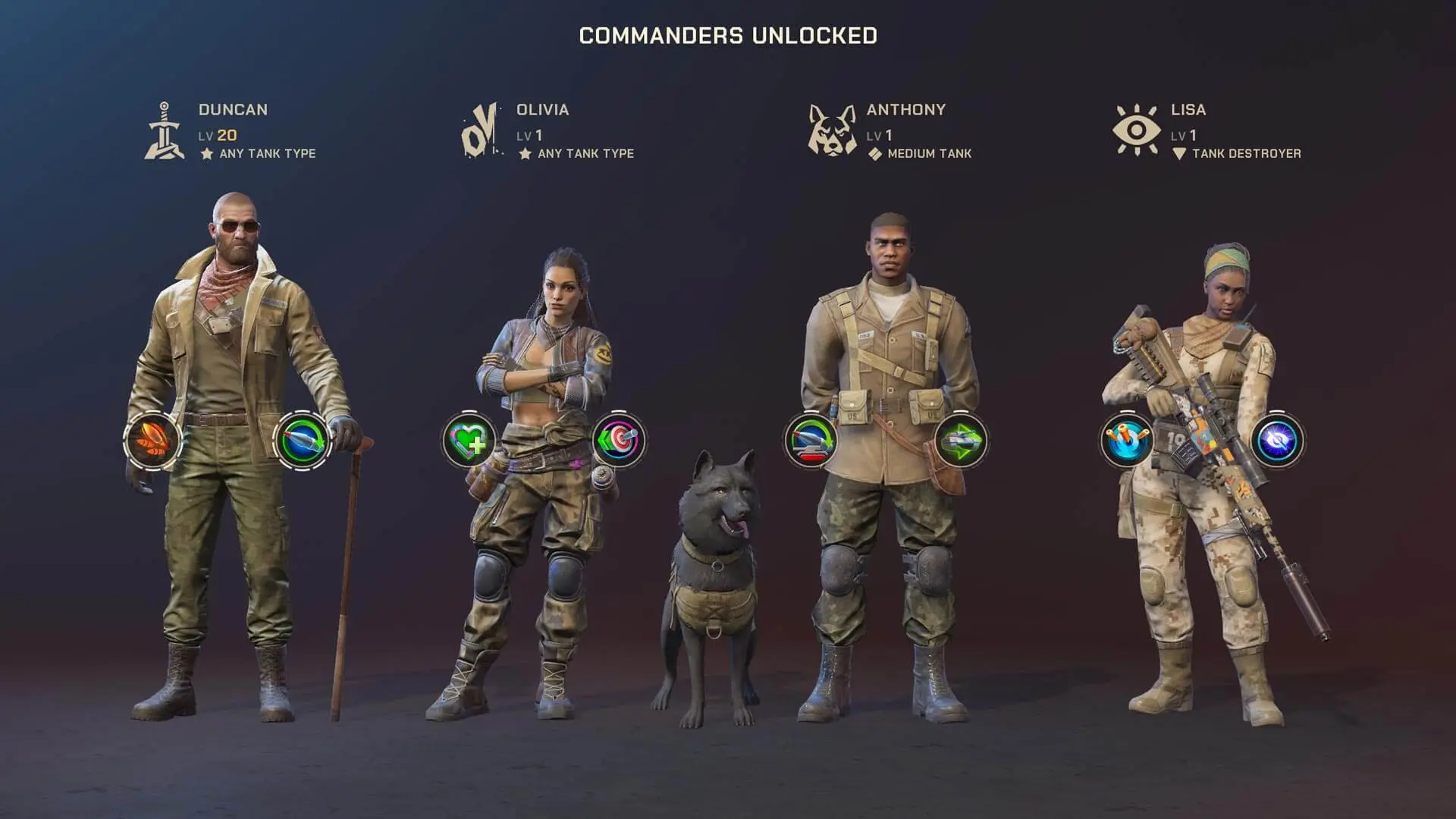
- Commander skills have been reworked: The system is now more balanced. For instance, Duncan's Rapid Fire now adds a 2–6% bonus to reload speed instead of the previous 3–10%.
- We've refreshed Duncan and Olivia's looks. They are now more realistic and better suit the gameplay.
- By default, Commanders are no longer displayed in the Base. Still, you can always change this on the Commanders screen.
- The Task Journal now shows special missions. As a reward, they provide Commander XP to boost skills faster.
- National voiceovers are back! You can either select them in the Settings or keep the Commanders' default voiceovers.
Economy
- We've rebalanced the amount of XP and Silver you can earn per battle. Random Battles will bring more Silver, while Ranked Battles will provide more XP than during Ultra Test 1.
- Steel has been removed from the game. You'll be able to purchase consumables for Silver again.
- The prices for vehicles, ammunition, and consumables will be rolled back to what they were before the Reforged Update.
- We've improved the equipment system: You can now unlock slots for the same amount of Silver as before the update.
- The profitability of certain tanks has been increased.
Other Improvements
- You can now create a Display name that will be shown in battle and on your Player page. It will not be your unique name. By default, this name will match your Nickname, but you'll be able to change it for free in the profile settings.
- A new animation for opening containers has been implemented.
- The Esc key functions have been updated for the desktop version. Pressing Esc will return you to previous screens or close battle results and filters.
- Gamepad support has been added.
You can learn more about Ultra Test 2 in our news and videos. Here, you'll find the Ultra Test 1 Release Notes.